Skip to content
IT Infrastructure Assessment & Audit Workbook – 371-Control Excel Checklist with Maturity Dashboard
IT infrastructure assessment workbook: 371 controls across 6 domainsHow the IT infrastructure audit workbook works in 4 stepsIT infrastructure assessment executive dashboard in Excel with maturity score, domain scorecard and chartsIT infrastructure maturity scoring model with pillar weights and maturity bandsIT infrastructure audit checklist assessment sheet with responses, scores and severityIT infrastructure assessment dashboard features: KPI cards, charts, top 10 gapsWho the IT infrastructure assessment template is for
New

Excel tool

IT Infrastructure Assessment & Audit Workbook – 371-Control Excel Checklist with Maturity Dashboard

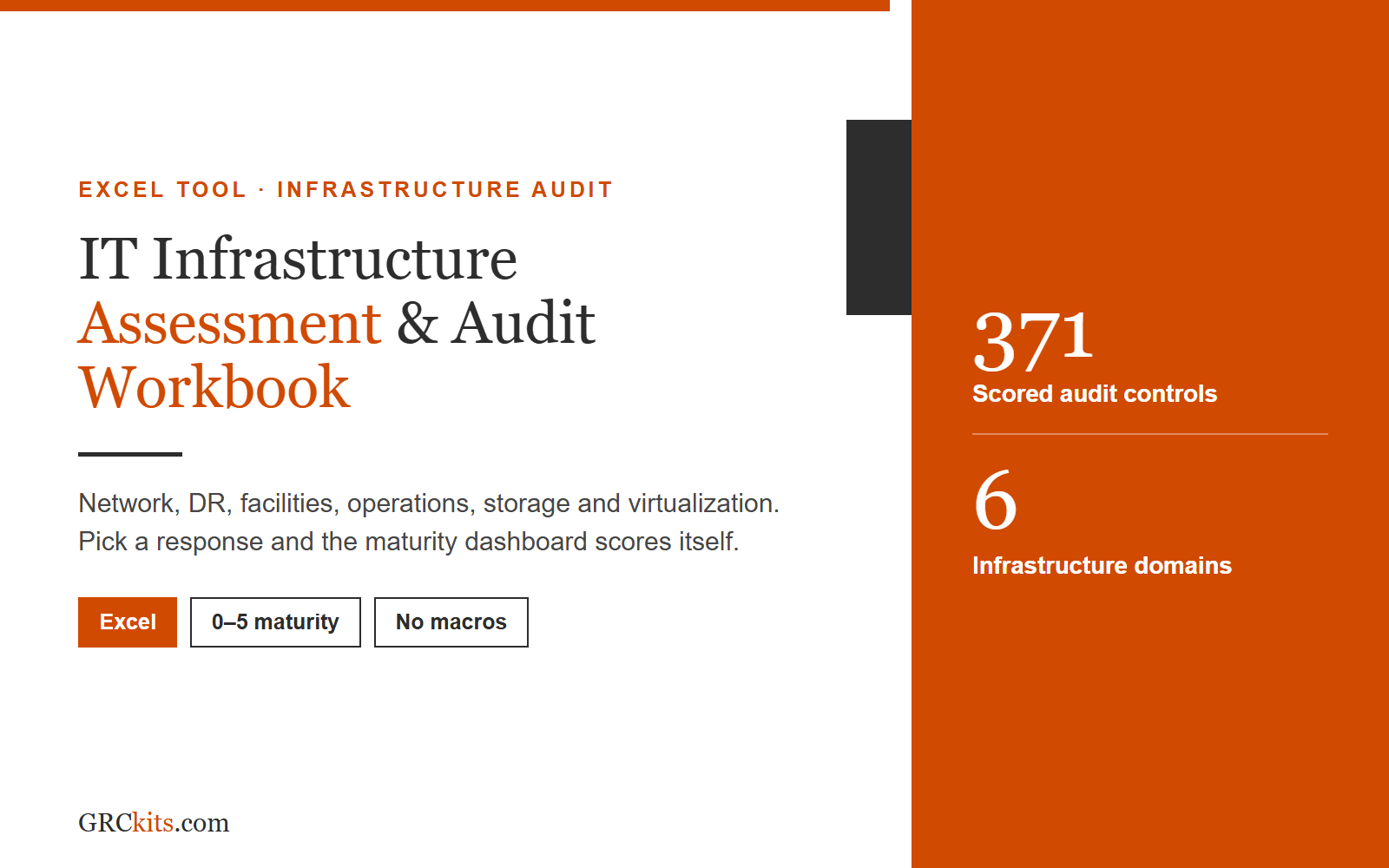
Excel IT infrastructure assessment with 371 controls across network, DR, data center facilities, operations, storage and virtualization. Drop-down answers, automatic 0–5 maturity scoring and an executive dashboard. No macros.

$11 USD · one-time
  • Instant downloadFiles available right after checkout
  • Fully editableNative Word & Excel, ready to adapt
  • Free updatesNew versions emailed to you
  • Secure checkoutEncrypted payment by Stripe

Requires: Microsoft Excel 2016 or later (no macros) · License terms

Description

About this toolkit

Run a complete IT infrastructure assessment in one Excel workbook: 371 audit controls across network, disaster recovery, data center facilities, operations, storage and virtualization, with automatic 0–5 maturity scoring and an executive dashboard.

Most infrastructure audits end up as a pile of questionnaires and a hand-built summary slide. This IT infrastructure assessment template keeps the whole flow in one file: pick a response for each control from a drop-down, and the scores, gap severity, maturity levels, charts and top-10 priority gaps update on their own.

What the IT infrastructure audit checklist covers

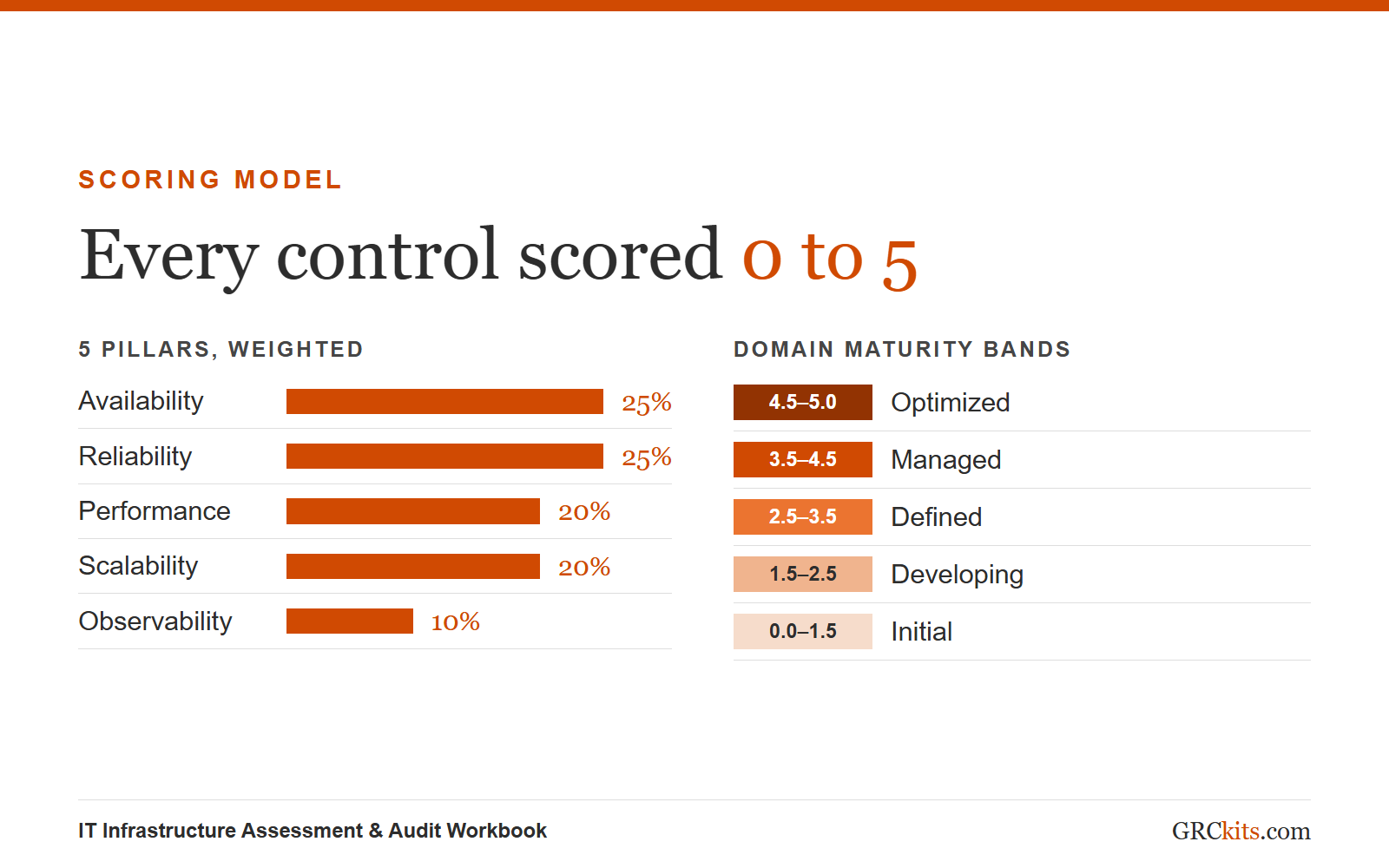
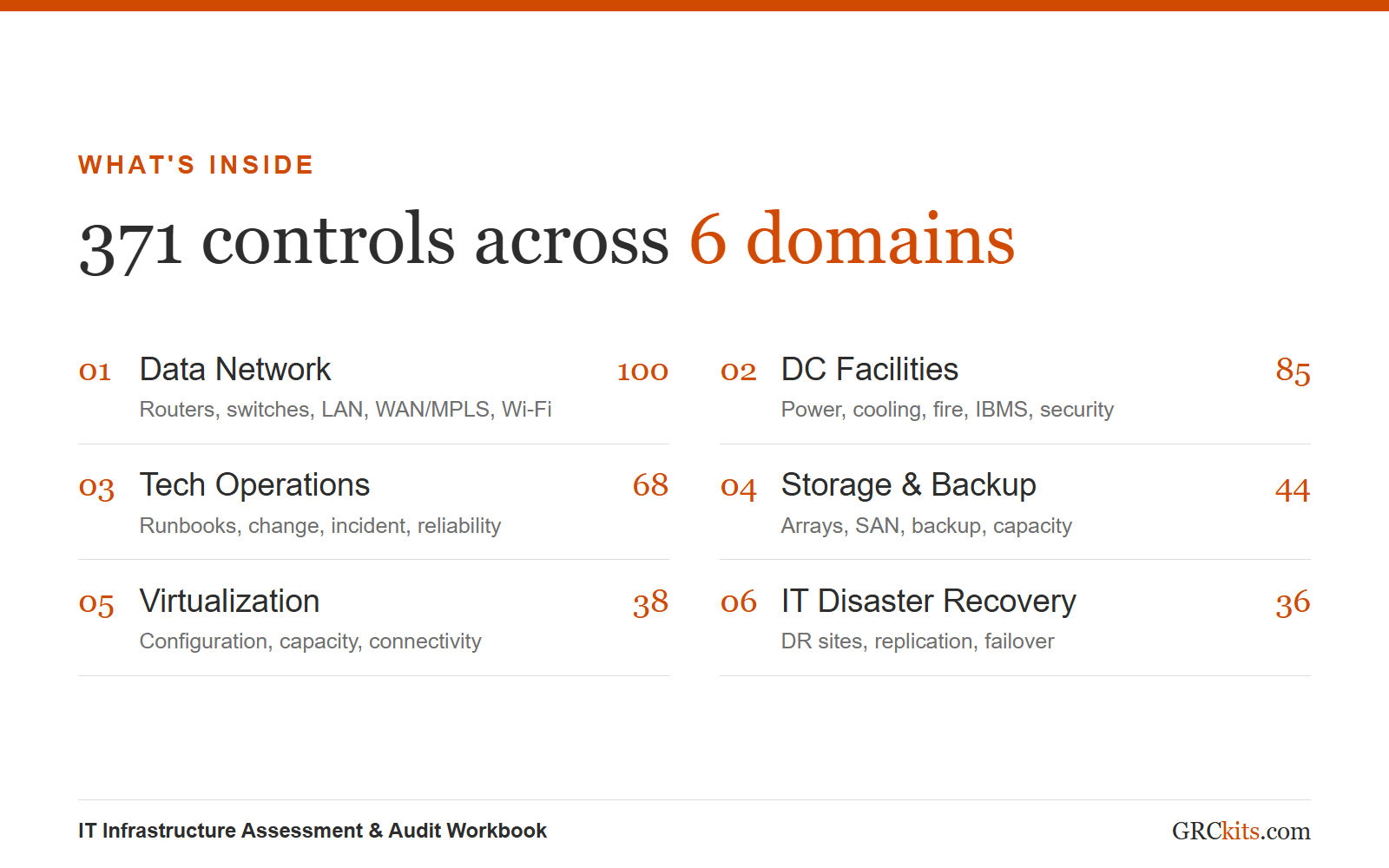
371 scored controls in 6 domains, each tagged to one of 5 pillars (availability, reliability, performance, scalability, observability):

  • Data Network (100 controls) – routers and switches, LAN, WAN/MPLS, VoIP, wireless LAN and load balancers

  • Data Center Facilities (85) – design, electrical, cooling, fire protection, IBMS and physical security, SLA and maintenance

  • Tech Operations (68) – data center operations, site reliability, runbooks, change and incident handling

  • Storage & Backup (44) – storage arrays, SAN switches, backup software, capacity and storage DR

  • Virtualization (38) – environment configuration, capacity, connectivity, SLA and tooling

  • IT Disaster Recovery (36) – DR and near-DR sites, replication, failover, DR governance, call tree and SOPs

Automatic scoring and maturity model

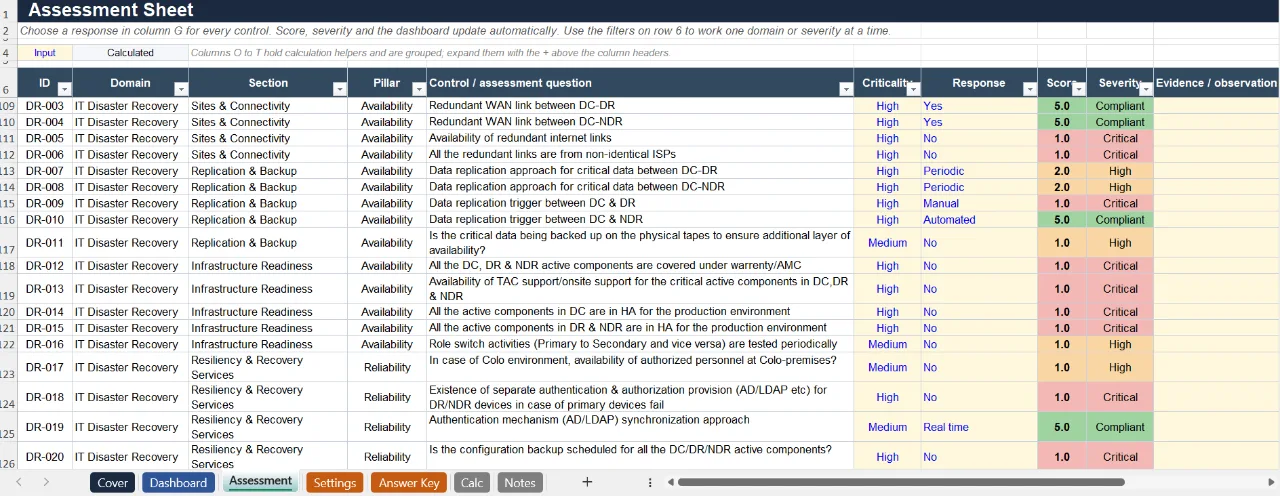
  • Every response maps to a 0–5 score through an editable answer key (Yes/Partial/No, utilisation bands, version currency, redundancy and more)

  • Criticality (High, Medium, Low) weights each control; a gap index ranks findings as Critical, High, Medium, Low or Compliant

  • Pillar and domain weights roll up to an overall maturity score: Initial, Developing, Defined, Managed or Optimized

  • Set your own target score per domain and compare current maturity against it

Executive dashboard

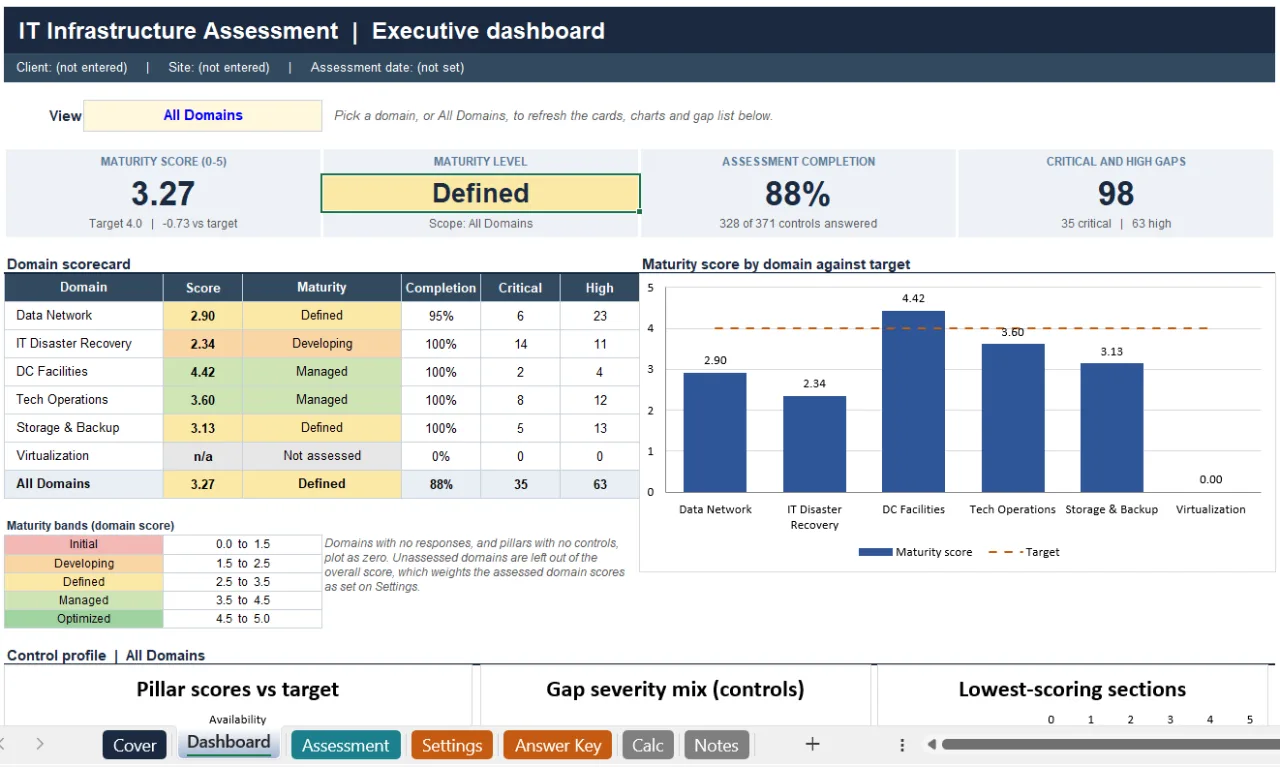
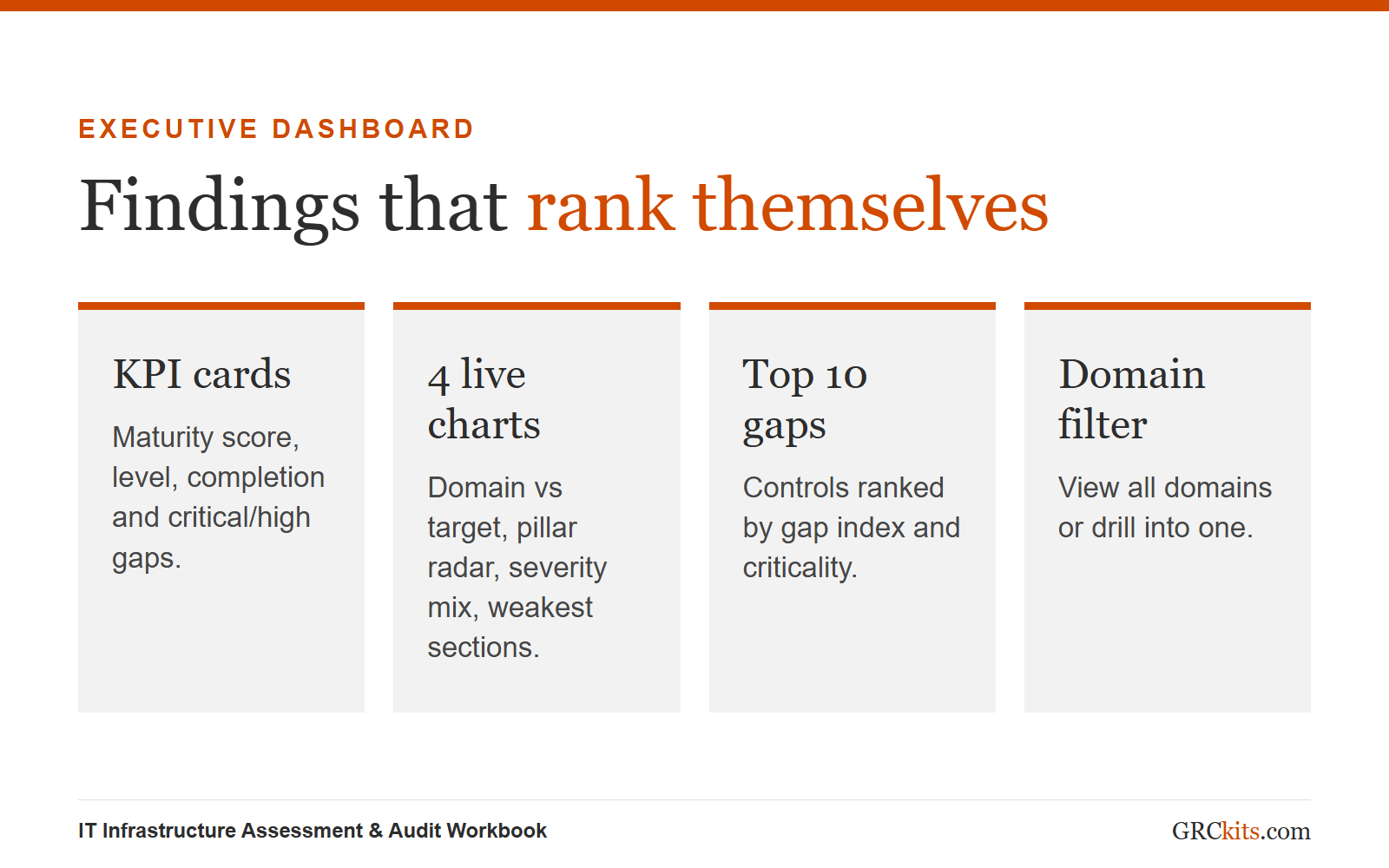
  • KPI cards for maturity score, maturity level, assessment completion and critical/high gaps

  • Domain scorecard with score, maturity, completion and gap counts

  • 4 charts: maturity by domain vs target, pillar scores vs target (radar), gap severity mix and lowest-scoring sections

  • Top 10 priority control gaps, ranked automatically

  • Filter everything by domain or view all domains at once

Also included

  • Assessment register with evidence/observation, recommendation, owner, target date and status for every control

  • Discovery sheet – 30 unscored inventory and architecture questions (topology, LAN design, MPLS, SD-WAN and more)

  • Cloud readiness questionnaire – 18 questions for planning a move to AWS, Azure or Google Cloud

  • Settings – edit domain and pillar weights, targets, criticality multipliers and severity/maturity bands

  • Methodology notes explaining how every score is calculated

How to run the assessment

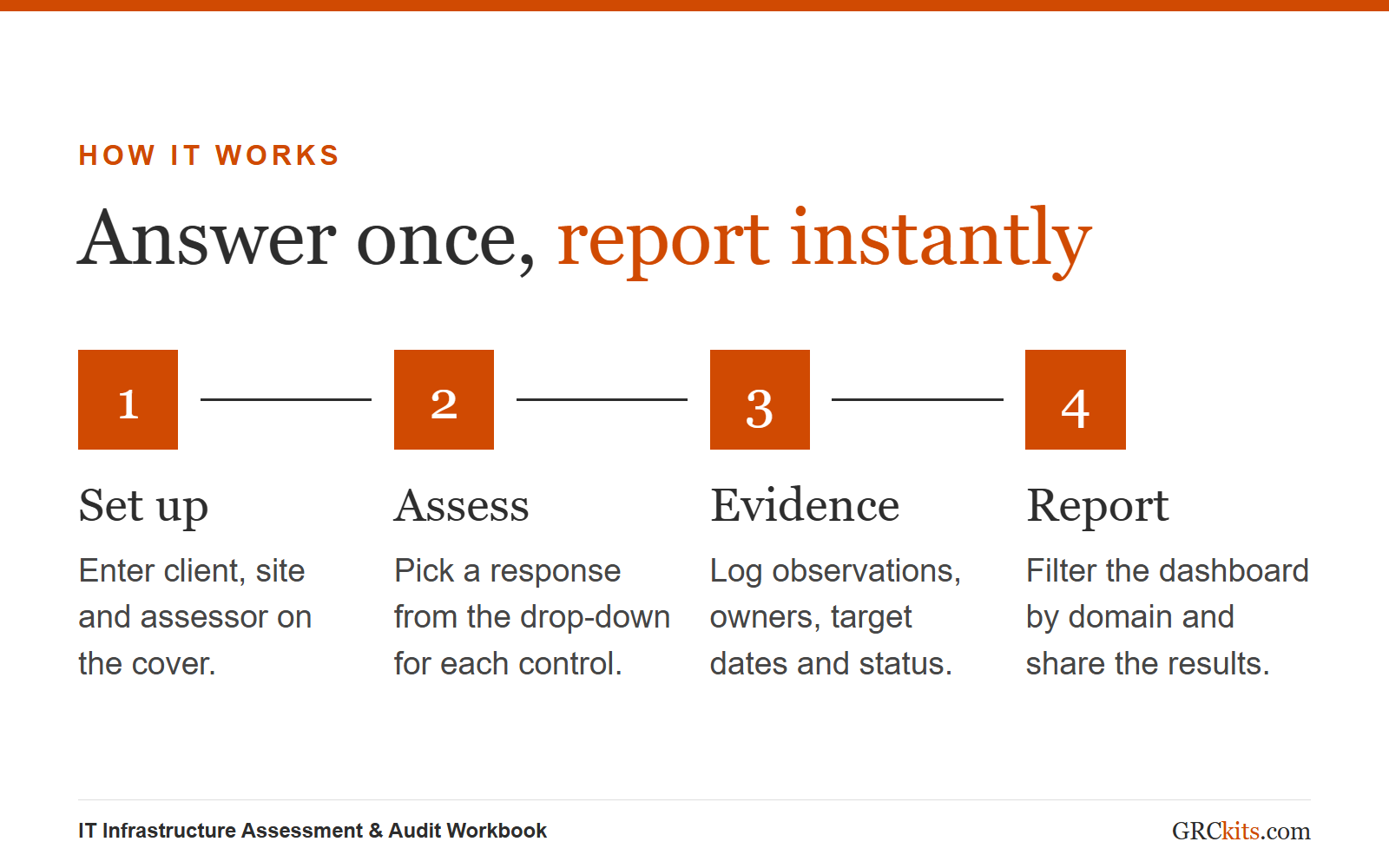
  1. Enter the client, site, assessor and date on the cover sheet.

  2. Choose a response for each control and adjust criticality where needed.

  3. Record evidence, recommendations, owners and target dates.

  4. Open the dashboard, pick a domain and share the results with management.

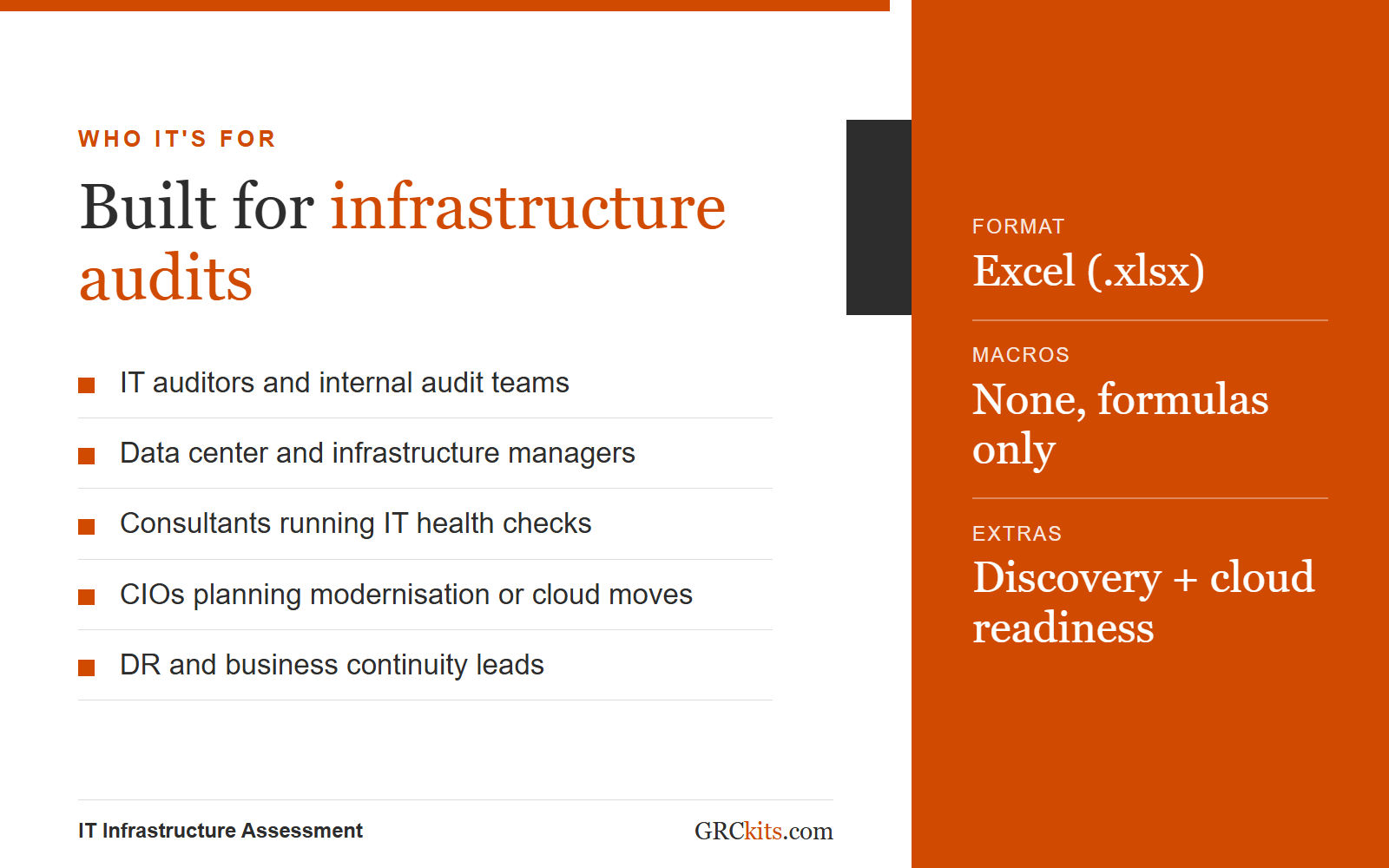
Who it's for

  • IT auditors and internal audit teams

  • Data center and infrastructure managers

  • Consultants delivering IT infrastructure health checks

  • CIOs and IT leaders planning modernisation or cloud migration

  • Disaster recovery and business continuity leads

The workbook ships with example responses so the dashboard is populated on first open (Virtualization is left unanswered). Overwrite them when you start a new engagement. Formulas only, no macros.
Contents

What's included

  • IT Infrastructure Assessment & Audit Workbook (Excel, .xlsx)
  • 371 scored controls across 6 infrastructure domains
  • Executive dashboard with KPI cards, 4 charts and top 10 priority gaps
  • Automatic 0–5 scoring, gap severity and maturity levels
  • Discovery sheet (30 items) and cloud readiness questionnaire (18 questions)
  • Editable settings, answer key and methodology notes

Files you'll download

  • IT Infrastructure Assessment & Audit Workbook (Excel)v1.0 · 118.2 KB

Questions

Frequently asked questions

What does this IT infrastructure assessment cover?+
371 scored controls across six domains: Data Network (100), Data Center Facilities (85), Tech Operations (68), Storage & Backup (44), Virtualization (38) and IT Disaster Recovery (36). Each control is tagged to availability, reliability, performance, scalability or observability.
How is the maturity score calculated?+
Each response maps to a 0–5 score through an editable answer key. Scores are weighted by control criticality, pillar and domain, and roll up to a maturity level from Initial to Optimized. All weights, targets and bands can be changed on the Settings sheet.
Does the workbook need macros or add-ins?+
No. It uses formulas only and works in Microsoft Excel 2016 or later.
Is it pre-filled?+
Yes, with example responses so the dashboard is populated when you first open it (Virtualization is left unanswered). Overwrite them with your own answers when you start an assessment.
How do I receive my files?+
Right after payment you'll see download buttons on the confirmation page, and we email you the links. You can re-download any time from My Library by signing in with your purchase email.
Can I use the templates for my whole team?+
A Single-user license covers one person. Choose a Team license (up to 10 users in one organization) or an Organization license (unlimited users in one legal entity) at checkout. Resale or redistribution isn't allowed.

Reviews

Reviews

No reviews yet. Reviews come from verified buyers only.

Keep exploring

Related toolkits

ISO 27001:2022 CONTROL IMPLEMENTATION TRACKER

I offer a structured ISO 27001:2022 Control Implementation Tracker designed to help GRC professionals, ISO consultants, and information security teams organize and monitor their control implementation activities using an editable Excel template. Save time organizing implementation activities, improv

$6

USD · one-time

Need help? Chat with us